

prompt ai veo 3 Playbook for Faster AI Video Prompts and Better Video Results
The best way to win with prompt ai veo 3 is not to chase fancy words. The best strategy is a scene-first prompt system. You start with one clear shot, one subject, one action, and one sound layer. Then you stack camera movement, lighting, and style only after the core idea is stable. This method saves credits, reduces random outputs, and gives cleaner results than dumping a long idea into a single prompt ai veo 3 generation.
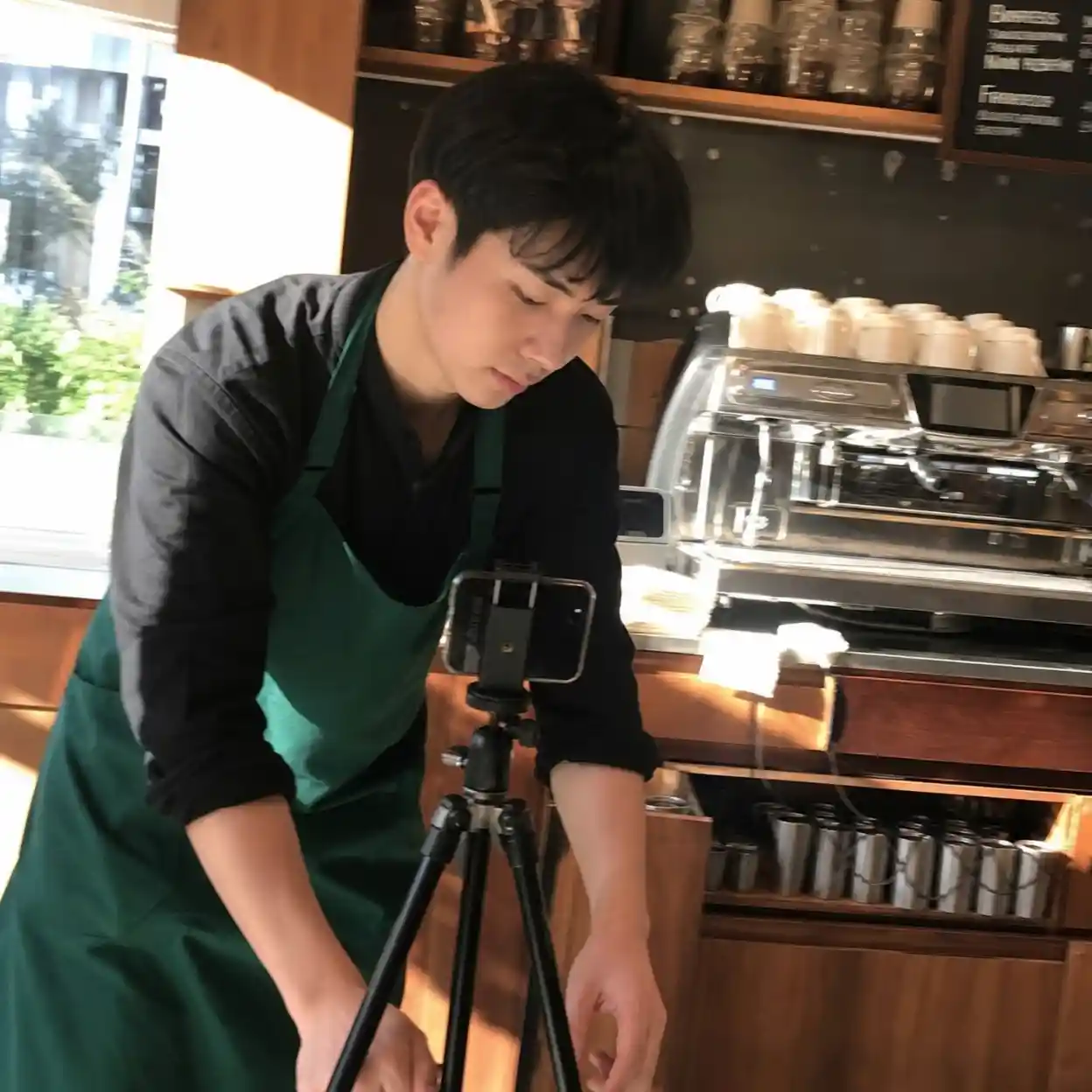
Most users search prompt ai veo 3 because they want usable output fast. They do not need another abstract guide about AI creativity. They need a repeatable workflow for ads, UGC clips, and short cinematic scenes. Official Google material also points in this direction: more detail improves control, and current Gemini video creation still works best when the request is short, visual, and grounded in a single shot.
1. Build a prompt ai veo 3 structure before you write style words
1.1 Start with the scene-first prompt ai veo 3 formula
The fastest improvement in prompt ai veo 3 comes from changing the order of thinking. First decide what the viewer sees in the first second. Then define what changes by the last second. After that, write the subject, action, setting, camera, light, and sound in that order. This turns a vague text to video prompt into a shot plan that a generative video model can follow.
For most creators, prompt ai veo 3 fails because the idea is bigger than the clip length. Gemini video creation is still short-form. Eight-second thinking wins. When you ask for one emotion, one motion path, and one visual goal, the video synthesis engine has fewer chances to drift into random objects, bad pacing, or flat framing.
| Prompt element | Weak input | Strong input |
|---|---|---|
| Subject | person | young barista in a green apron with short black hair |
| Action | walks | places a cup on the counter and slides it toward camera |
| Scene | cafe | small sunlit cafe with wood tables and steam behind the machine |
| Sound | nice audio | soft grinder hum, cup tap, quiet room tone |
| Result for prompt ai veo 3 | ❌ random | ✅ controlled |
This prompt ai veo 3 Reddit guide shows why repeating the same character description across scenes improves continuity in multi-shot video work
character consistency guider/VEO31.2 Use six layers, not one giant block
A practical ai veo 3 prompt should read like production notes, not like a poem. Layer one is the subject. Layer two is the exact action. Layer three is the scene. Layer four is camera motion. Layer five is lighting and tone. Layer six is sound. This is simple creative prompt engineering, but it maps well to how a video synthesis engine resolves visual decisions.
Google DeepMind guidance for Veo prompting also reinforces this approach. It emphasizes framing and motion, style, lighting, character descriptions, and sound. That matters because prompt ai veo 3 gets stronger when each layer solves a separate decision. You are not making the model smarter. You are making the task smaller.
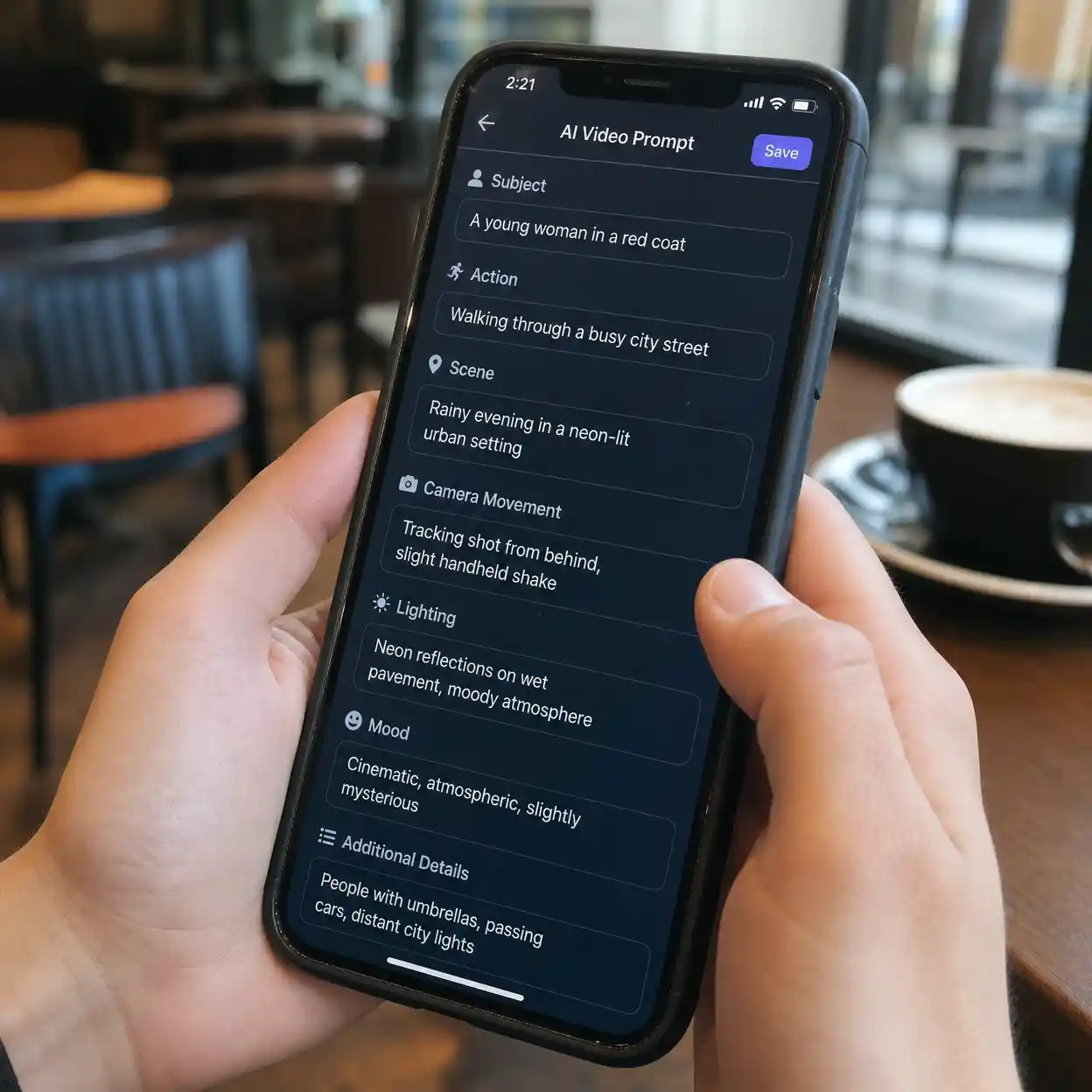
1.3 Split every idea into eight-second units
Many users try to make one long story from one prompt ai veo 3 request. That usually fails. A better plan is to break the script into shot units that can stand on their own. Each shot should have one visual message, one action beat, and one audio direction. PJ Accetturo showed the same pattern in ad-style Veo workflows: script first, then shot list, then generation.
1.4 Keep the subject count low
Another common failure point in prompt ai veo 3 is scene density. New users ask for three people, moving backgrounds, props, text overlays, dramatic camera motion, and complex dialogue in one shot. The result often looks impressive for a moment but falls apart on replay. A high resolution video generation goal only works when the composition stays readable.
Start with one person or one hero object. Add one movement. Add one sound cue. Then test again. This is how prompt ai veo 3 becomes a controllable system instead of a lucky spin.
2. Use camera, sound, and timing to make prompt ai veo 3 look expensive
2.1 Camera language changes the quality more than extra adjectives
Most people think prompt ai veo 3 quality comes from style words. In practice, camera words usually matter more. Close-up, overhead, slow dolly, handheld selfie, locked tripod, and side tracking all force clearer decisions. This is why a plain veo 3 ai prompt with precise movement often beats a long cinematic paragraph with no shot direction.
Good prompt ai veo 3 writing also respects clip timing. Put the main action in the middle two or three seconds. Use the first second to establish the frame. Use the last second to finish the action or land the emotion. This sounds basic, but it aligns with how short AI video clips are consumed on social platforms.
This prompt ai veo 3 YouTube breakdown by PJ Accetturo shows how script-first shot planning can turn ad ideas into short scenes that are easier to generate and edit
2.2 Sound direction is where many prompt ai veo 3 users waste results
Veo gained attention because synced sound became part of the creative loop. That changes how you should write a text to video prompt. If you do not specify audio, the system may fill the gap in ways that feel generic, noisy, or distracting. A clean google veo 3 ai prompts workflow should name environment sound, speech presence, and whether music is absent.
Kaycee Hill tested Veo prompts in Gemini and found that grounded prompts performed better than overloaded ones. Her best results came when the scene had a clear subject and a believable action. Her weak results exposed a familiar problem with prompt ai veo 3: weirdness alone is not structure. If the audio and motion logic are not obvious, the clip can still miss.
2.3 Pick the right aspect ratio early
Prompt ai veo 3 becomes more efficient when format decisions happen before generation. Vertical social content needs stronger center framing and simpler background action. Horizontal content can carry wider environment detail. If you wait until after generation to decide, you often crop out the important subject motion.
Current Gemini help material also highlights practical limits and controls that affect prompt ai veo 3 planning. Video creation can take a few minutes, aspect ratio can be chosen before generation, and uploads can guide the output. Those details matter because a video synthesis engine performs better when the input format matches the final use case.
2.4 Use one anchor detail for realism
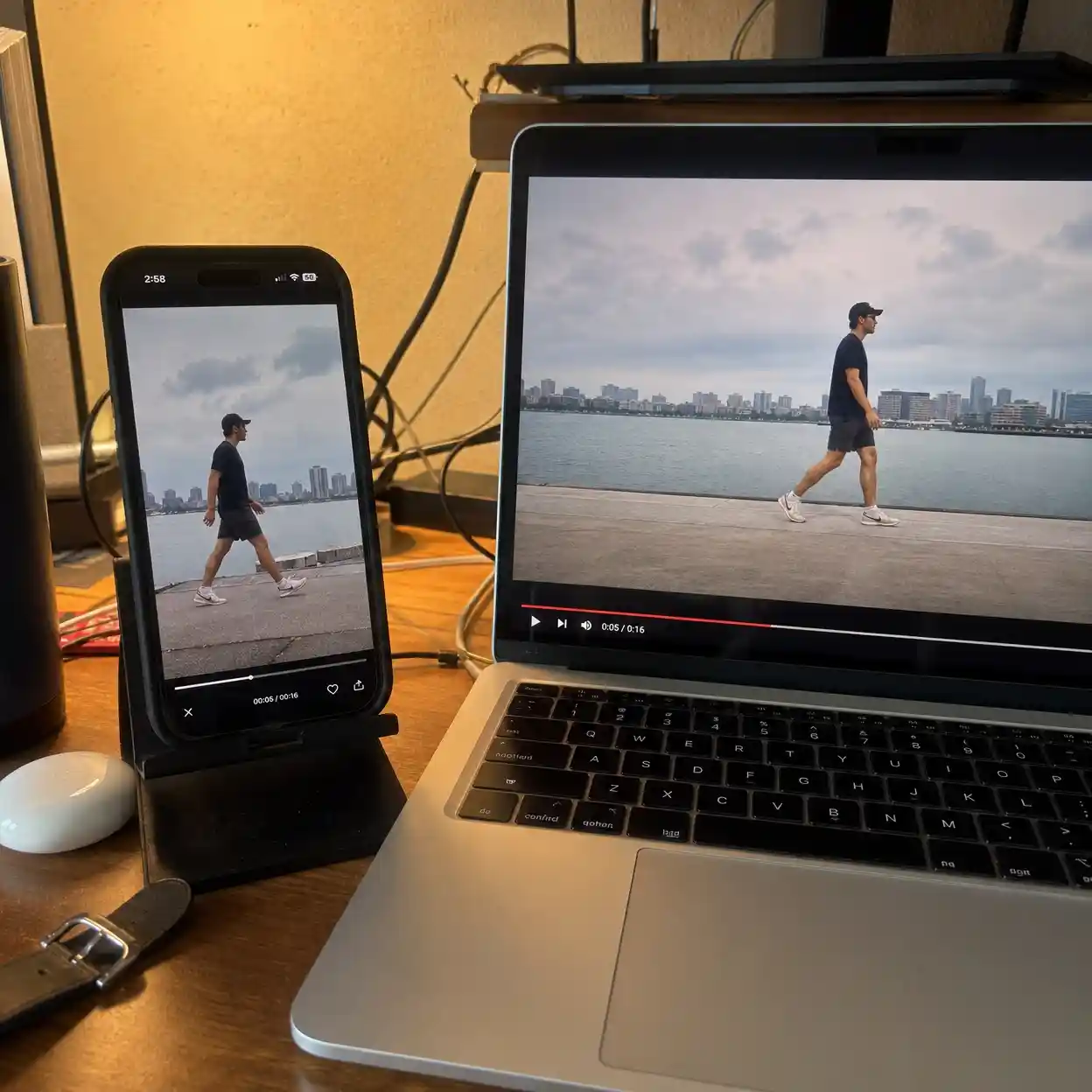
One small sensory detail often lifts prompt ai veo 3 more than five extra style tags. Steam curling near a coffee machine. Neon reflection on a wet sidewalk. The snap of a can tab before the fizz. Lance Ulanoff ran into another common pitfall while testing Veo and wasted a turn by generating too early. Drafting outside the tool helps avoid that mistake.
3. Copy these prompt ai veo 3 templates for ads, UGC, and cinematic clips
3.1 Product ad template
A strong prompt ai veo 3 product ad starts with one product hero moment. Show the item entering frame, being used, or solving one visible problem. Keep the background quiet. Use one camera move and one sound hook. This style of ai veo 3 prompt is ideal for SaaS demo teasers, physical products, or brand mood clips.
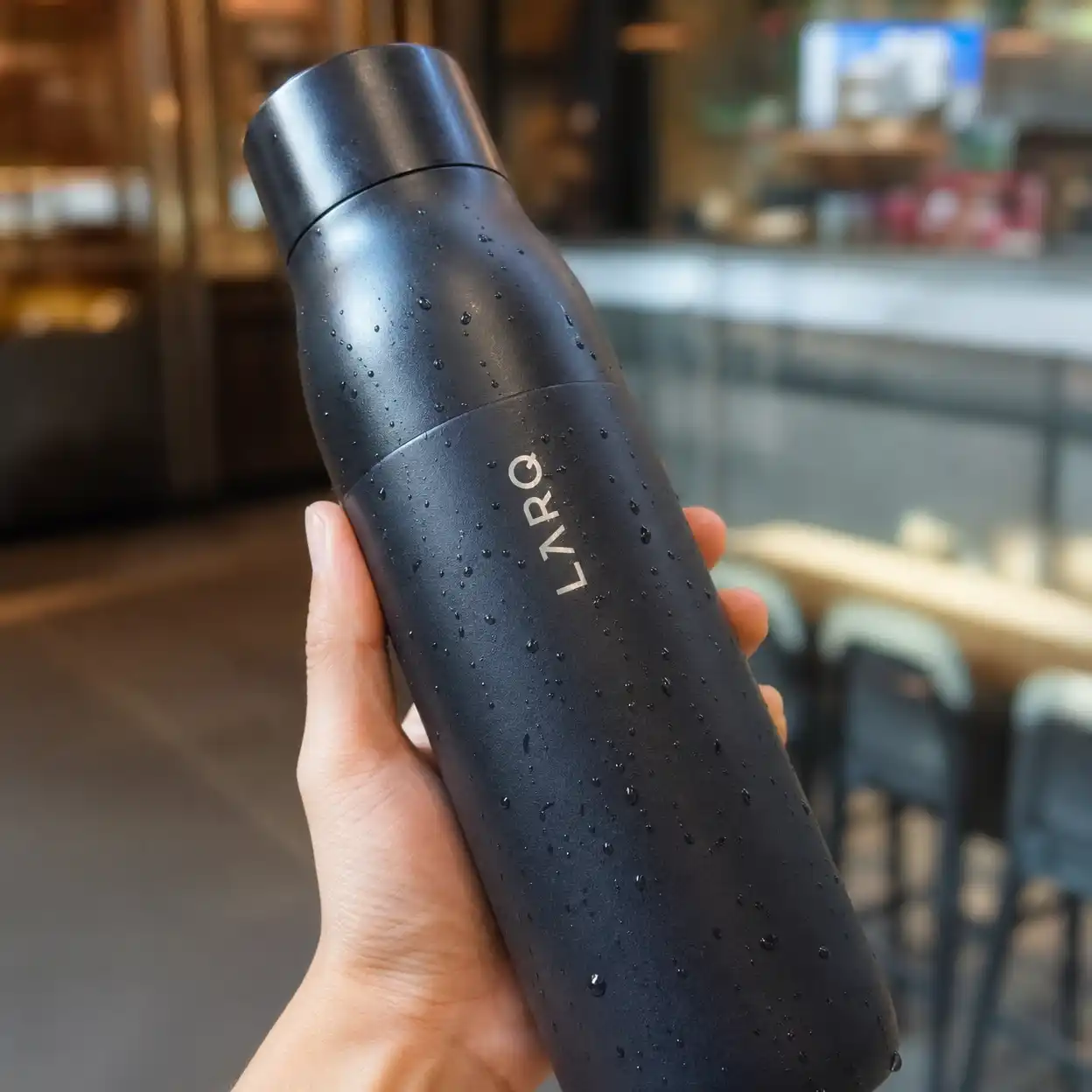
Try a simple structure like this for prompt ai veo 3: hero object on clean surface, hand interaction, slow push-in camera, soft side lighting, one satisfying sound event, no text overlay, no crowd, no extra props. This is not glamorous writing. It is efficient creative prompt engineering built for fast iteration.
This prompt ai veo 3 tutorial shows how creators use ready-made short-form formats such as ASMR, selfie video, and cinematic hooks to speed up testing
3.2 UGC and selfie template
UGC needs a different prompt ai veo 3 rhythm. The camera should feel personal, not polished. Use handheld motion, natural pauses, and small body gestures. State where the speaker is, what they are holding, and what background noise exists. A google veo 3 ai prompts workflow for UGC should also say whether the person speaks to camera or stays silent.
This is where real-world creators often over-polish the veo 3 ai prompt. They add commercial lighting, dramatic dolly moves, and too many scene transitions. The clip then stops feeling like UGC. For social proof content, lower polish can be a strength if the scene still feels clean and intentional.
3.3 Cinematic mood template
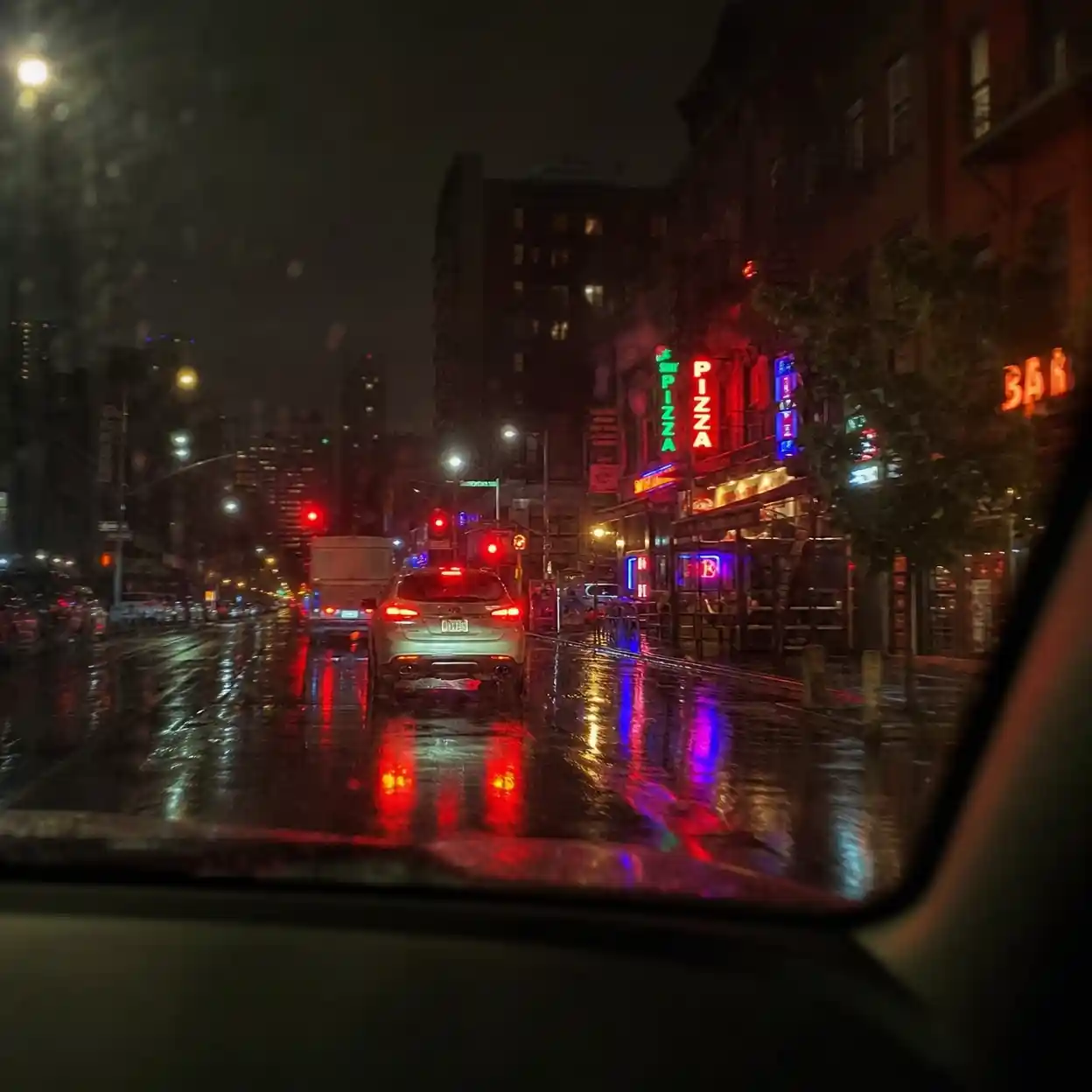
The cinematic version of prompt ai veo 3 needs restraint. Pick one mood, one frame shape, and one movement path. Use lighting and weather carefully. A rainy alley, sunset dust, or cold blue office light can carry the whole clip if the action stays simple. A cinematic ai veo 3 prompt does not need twenty visual labels. It needs one readable composition, one emotional beat, and one ending image worth cutting into a sequence.
3.4 Template selection table
Use this table when prompt ai veo 3 feels stuck and you are not sure what style to test first.
| Goal | Best template | Why it works |
|---|---|---|
| Fast product demo | product ad | ✅ one hero action keeps the frame clean |
| Social proof clip | UGC selfie | ✅ natural camera motion feels native |
| Brand atmosphere | cinematic mood | ✅ strong light and sound create depth |
| Complex story in one shot | avoid | ❌ prompt ai veo 3 usually drifts |
4. Fix the common prompt ai veo 3 failures before you spend more credits
4.1 Character inconsistency
Character drift is one of the biggest reasons prompt ai veo 3 disappoints users. The face changes. Clothes change. Hair changes. Sometimes the whole age range changes. The best fix is boring but effective: repeat the exact same descriptor every time, keep the wardrobe simple, and avoid adding extra characters until the base look is stable.
If you have a starting image, use it. If not, build a stable base scene first. A consistent ai veo 3 prompt usually beats a clever one. The more stable your source identity is, the easier it becomes to chain multiple shots into one believable sequence.
This prompt ai veo 3 Reddit post explains why JSON-style structure, negative control, and repeated subject fields can reduce randomness in complex scenes
JSON prompt guider/VEO34.2 Flat lighting and empty frames
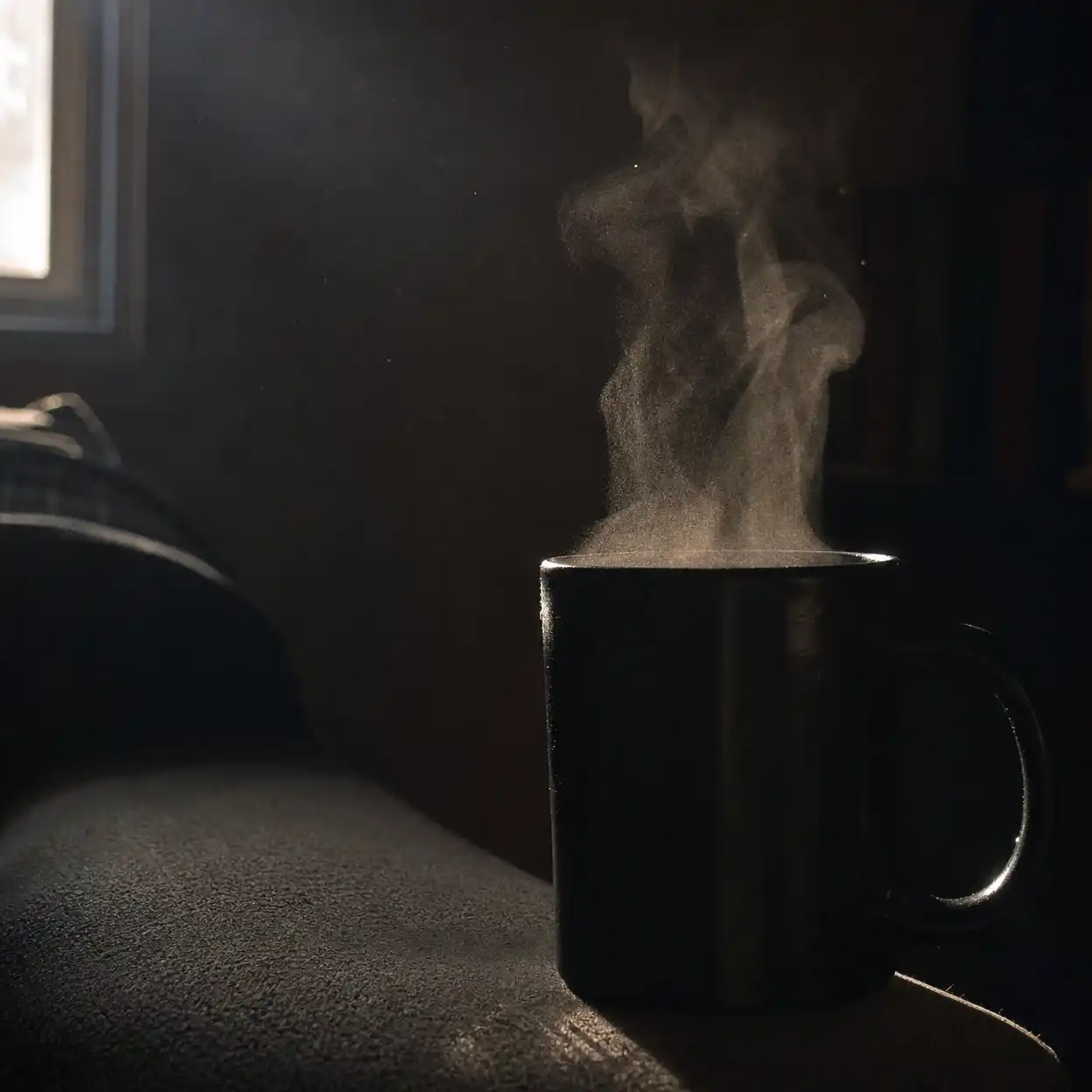
Many failed prompt ai veo 3 clips are not broken. They are just visually empty. The subject is technically correct, but the light is flat and the action lacks focus. Fix this by naming light direction, time of day, and one texture source such as steam, glass reflection, fog, dust, rain, or screen glow.
This is also where high resolution video generation can fool beginners. Better resolution does not create better composition. A sharper bad shot is still a bad shot. A sharper good shot, however, becomes much more useful for ads, landing pages, and organic short-form content.
4.3 Audio that feels fake or annoying
Prompt ai veo 3 audio needs boundaries. If you want room tone only, say that. If you want no speech, say that. If you want a crisp product sound, name the exact event. Sound is not decoration here. It is part of the scene instruction.
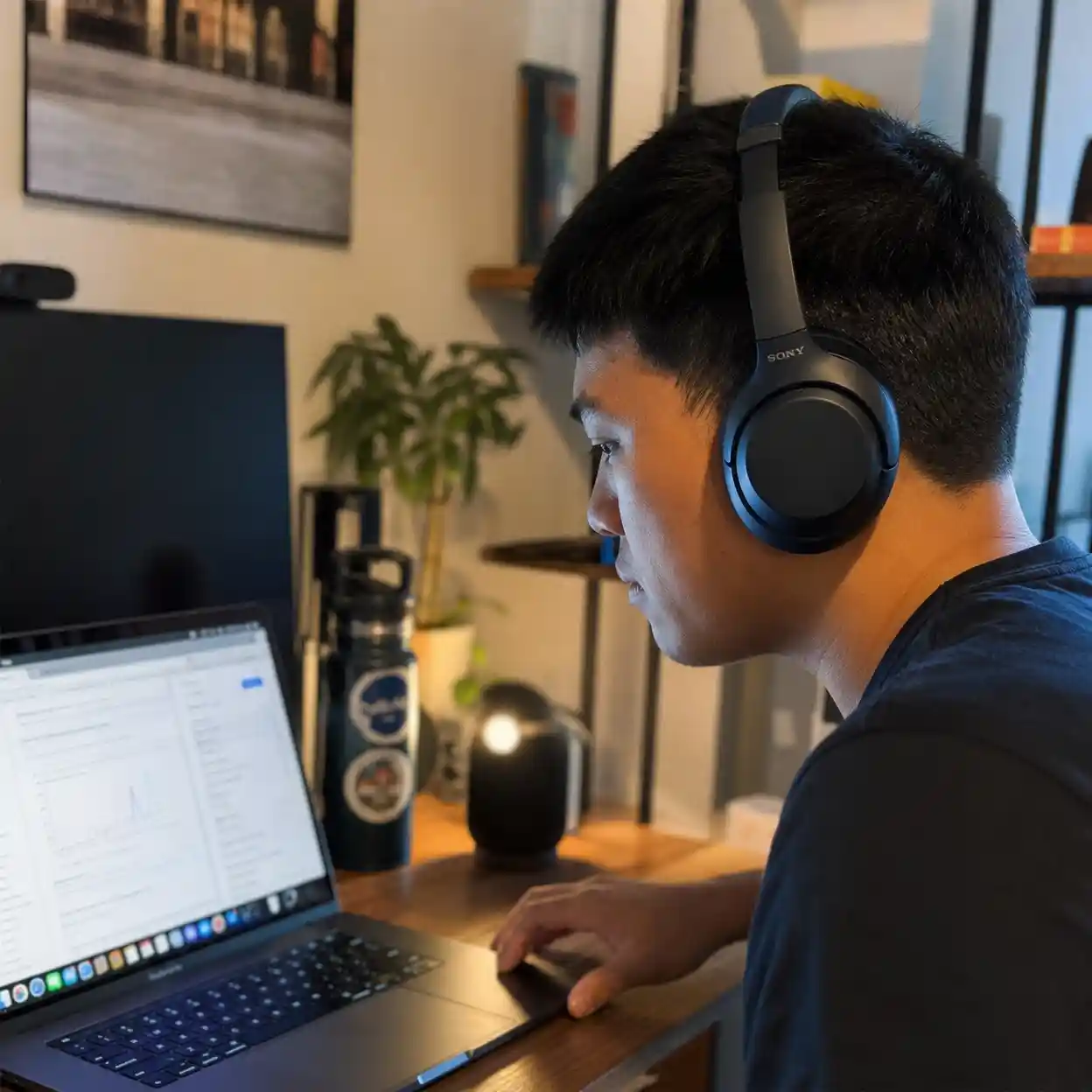
One of the best practical lessons from creators testing Veo is that prompt ai veo 3 improves when sound is written as a production choice instead of a mood word. Clean tap, soft fabric rustle, distant traffic, keyboard clicks, and low HVAC hum are all more usable than saying immersive audio and hoping for the best.
4.4 Quick diagnostic table
When prompt ai veo 3 fails, use this chart before rewriting the entire idea.
| Problem | Likely cause | Better move |
|---|---|---|
| face changes | weak identity string | ✅ repeat the same character block |
| shot feels random | too many requests | ✅ cut to one action and one subject |
| sound is messy | no audio boundaries | ✅ define exact sound events |
| frame is dull | vague lighting | ✅ add light direction and texture |
| result still weak | bad concept density | ❌ do not add more adjectives |
5. Turn prompt ai veo 3 clips into publishable video assets
5.1 Generate versions, then choose the best one
Prompt ai veo 3 works better when you compare versions instead of trusting the first clip. Generate two or three variations. Judge them on face match, action clarity, sound cleanliness, and end frame quality. This process feels slower, but it is often cheaper than endless random rewriting.
5.2 Build sequences from short clips
The biggest workflow shift in prompt ai veo 3 is accepting that a finished video is usually a sequence. One clip for the hook. One for the proof. One for the reaction. One for the close. Anna Bortsova has discussed meta prompting as a way to refine video requests before generation, and that idea fits well here. Use your first draft to define intent, then turn that logic into a clean veo 3 ai prompt for each clip.
5.3 Final workflow table
This is the simplest repeatable prompt ai veo 3 workflow for most teams.
| Step | Action | Outcome |
|---|---|---|
| 1 | write a one-line scene goal | ✅ keeps the clip focused |
| 2 | build a six-layer ai veo 3 prompt | ✅ stronger first output |
| 3 | generate 2 to 3 versions | ✅ better selection quality |
| 4 | fix only one problem at a time | ✅ fewer wasted credits |
| 5 | stitch short clips in edit | ✅ scalable publishable result |
6. Use prompt ai veo 3 as a system, not a gamble
Prompt ai veo 3 becomes much easier once you stop treating it like magic. The winning pattern is simple: script first, split into short scenes, define camera and sound, test small, and revise one variable at a time. That is the scene-first system from the introduction, and it is still the most reliable path for product ads, UGC, and cinematic inserts.
If you want better results this week, do not hunt for more adjectives. Write three tighter scene prompts and compare which clip gives you the cleanest publishable result. That approach turns prompt ai veo 3 into a production workflow you can scale, measure, and improve.
References
Blog gives a competitive template library for product, UGC, and cinematic use cases, which helps benchmark current search intent: https://www.media.io/ai-prompts/veo3-prompts.html
This paper presents a space-time diffusion design for more coherent motion, which helps explain why scene simplicity still matters in modern video generation: https://arxiv.org/abs/2401.12945