

TikTok Video Size Guide for AI Video Generation That Uploads Clean
AI video works best on TikTok when the format decision happens before the first frame is generated. The most reliable setup is a TikTok-first workflow inside your AI video generator, where you start with a vertical preset, define the scene in a prompt, and export at a clean full-screen size. That single decision removes most of the pain behind tiktok video size problems, especially black bars, soft uploads, and cropped captions. It also keeps the whole process shorter for stores, creators, and small teams that need publish-ready clips fast.
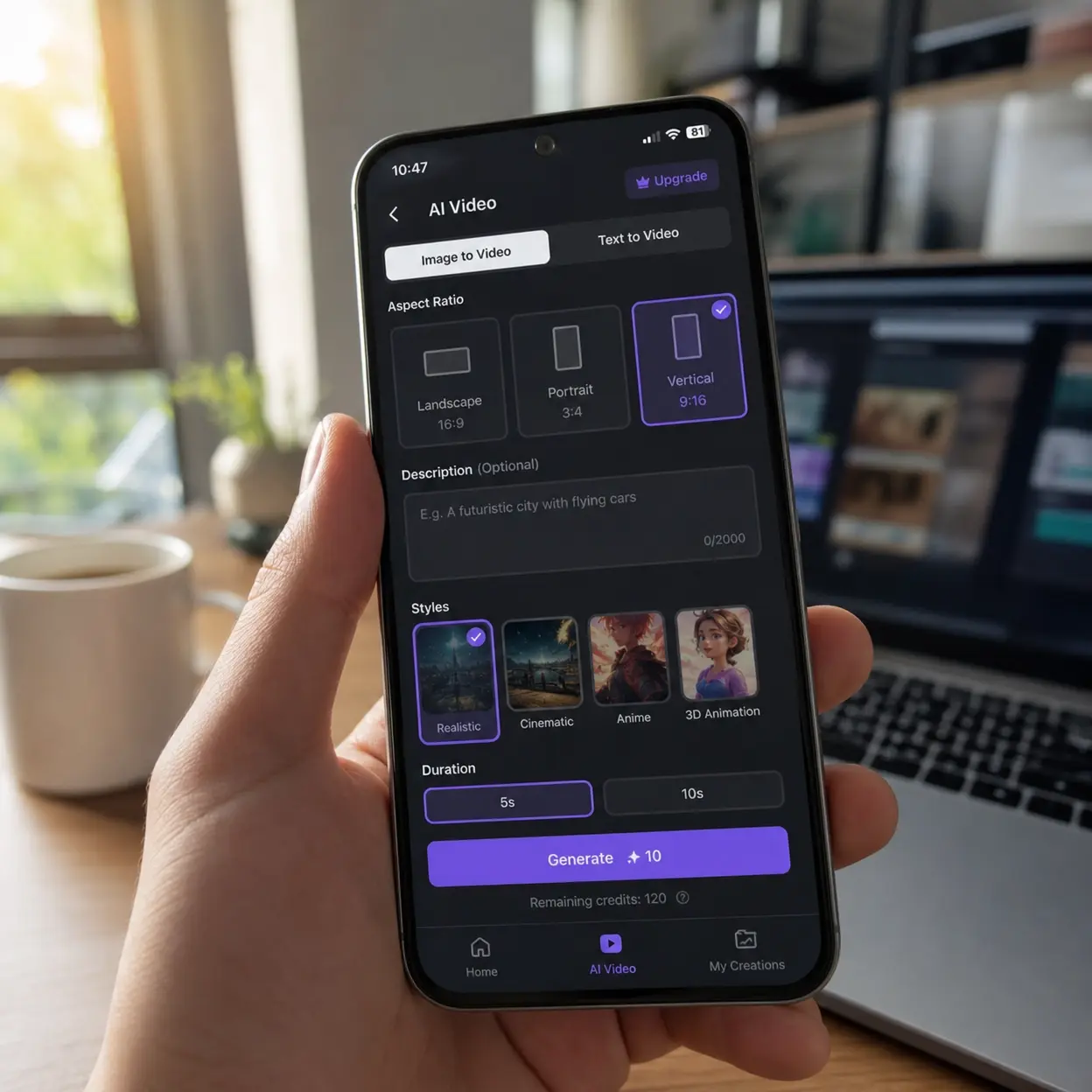
Most people do not search tiktok video size because they love specs. They search it when a product demo looks sharp in the editor and weak after upload. They search it when a good AI video turns into a blurry post, or when a square export wastes half the screen. This guide stays practical from start to finish. It shows the safest tiktok video size settings, how long can a tiktok be for different goals, how to fix upload quality issues, and how to build vertical videos around mobile viewing from the start.
1. TikTok Video Size Settings for Full-Screen AI Video Output
1.1 Start with the recommended video dimensions
The safest tiktok video size for most creators is a vertical frame at 1080 x 1920. Those recommended video dimensions fill the phone screen, look natural in feed, and give your generated scenes enough room for product close-ups, captions, and hand movement. If your prompt-to-video tool starts with a square or horizontal canvas, you usually create extra work later. That is why a TikTok-first preset matters more than a late crop.
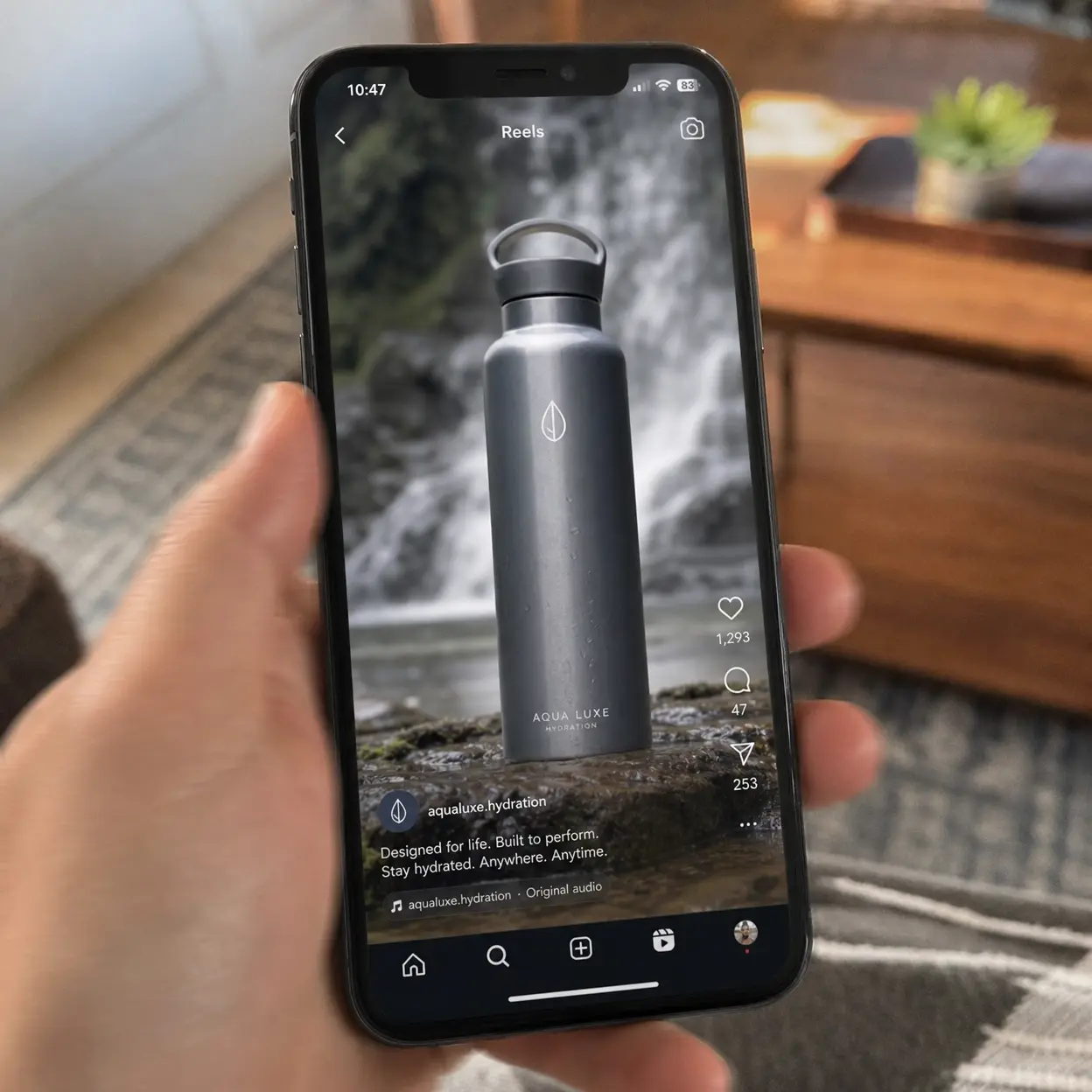
The phrase tiktok video size often gets treated like one number, but it is really a package. You need the right aspect ratio vertical setup, the right video file resolution, and clean framing around text and faces. TikTok ad specs still point creators toward 9:16 vertical as the preferred format, and that remains the most practical default for organic-style content too. For most SaaS video generation workflows, that means vertical first, not vertical later.
| Setting | Best choice | Avoid |
|---|---|---|
| Aspect ratio | ✓ 9:16 | ✗ 16:9 for direct upload |
| Canvas size | ✓ 1080 x 1920 | ✗ small upscaled exports |
| Format | ✓ .mp4 or .mov | ✗ odd legacy formats |
| Use case | ✓ full-screen feed | ✗ black-bar compromises |
TikTok says vertical full-screen content performs best, which supports a tiktok video size workflow built around mobile-first AI video generation and cleaner screen coverage.
TikTok creator tipsTikTok1.2 Why aspect ratio vertical beats recycled horizontal footage
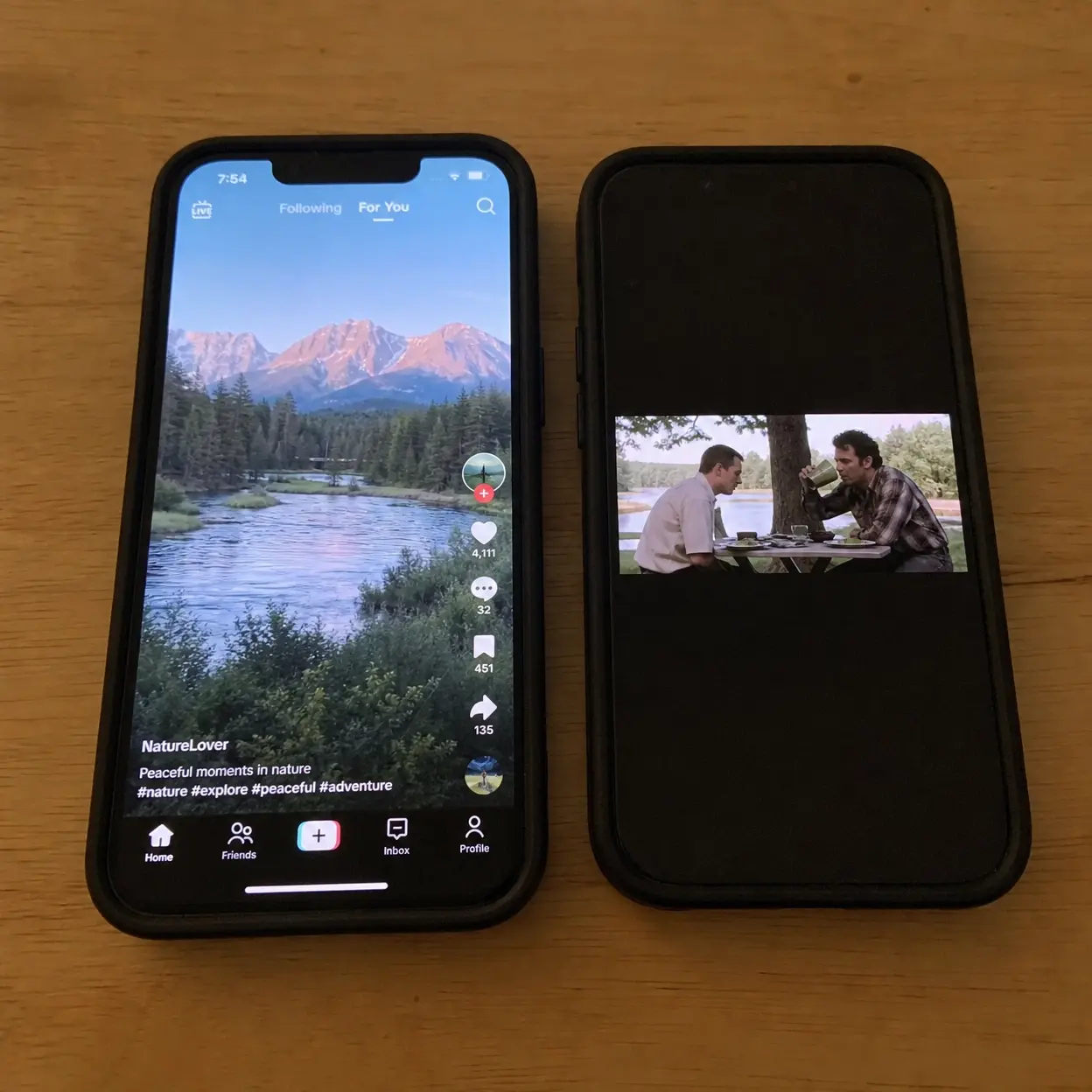
Aspect ratio vertical matters because TikTok is a fast thumb platform. A horizontal export forces the viewer to accept wasted space before they even decide whether the video is worth watching. That weakens the first impression, especially for product demos and AI-generated explainers. A better tiktok video size keeps the screen full and the message immediate.
TikTok case studies show the same pattern at a larger scale. Founder Troy Troncoso of HighPeak Co saw earlier TikTok campaigns produce some results, but he wanted more consistency and stronger conversion efficiency. The improvement came when the team used content that felt native to TikTok instead of treating the app like another place to dump generic social assets. That is the deeper lesson behind tiktok video size: the frame should match the platform before the final export.
1.3 Build your scenes around safe framing
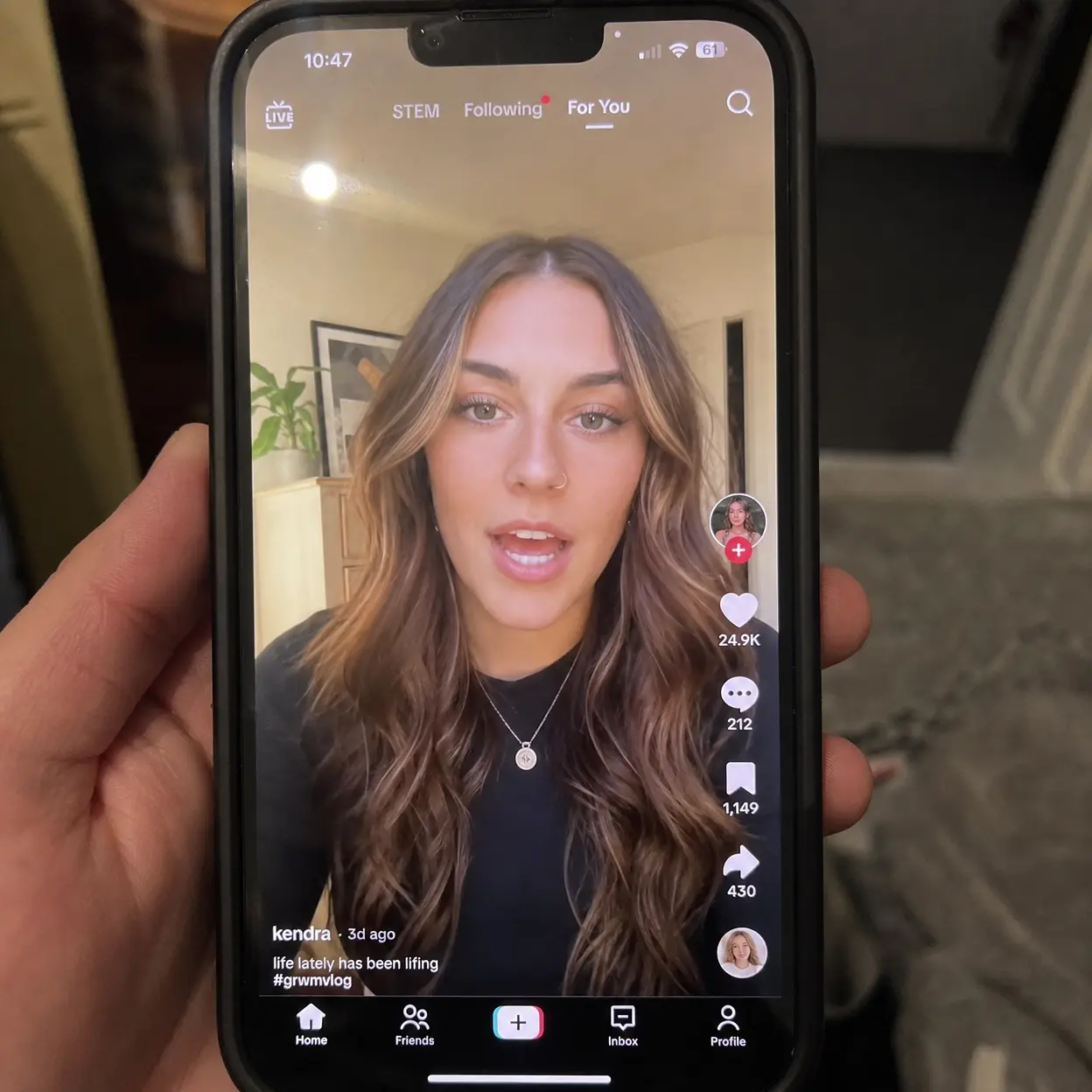
Good tiktok video size planning also means leaving room for interface elements. The bottom caption area, right-side buttons, and lower safe zone can cover subtitles, prices, or mouth movement. If your AI prompt includes text overlays, define where they should sit before generation. That is easier than fixing a perfect-looking scene after export.
For practical work, keep faces and products centered, move text slightly upward, and avoid placing key words at the bottom edge. This is where recommended video dimensions and video file resolution meet actual conversion work. The format is not only about fitting the screen. It is about protecting the message on the screen.
2. TikTok Video Size and Length: Pick the Right Runtime Before You Generate
2.1 Platform limits and performance are not the same thing
Many users who search tiktok video size also ask how long can a tiktok be. That is a smart question, because size and length should be planned together before you generate the clip. TikTok currently allows much longer uploads than the short clips that built the platform, but maximum video length is not the same as recommended video length. You can upload long videos, yet shorter vertical videos still tend to work better for product hooks, UGC-style demos, and landing-page traffic.
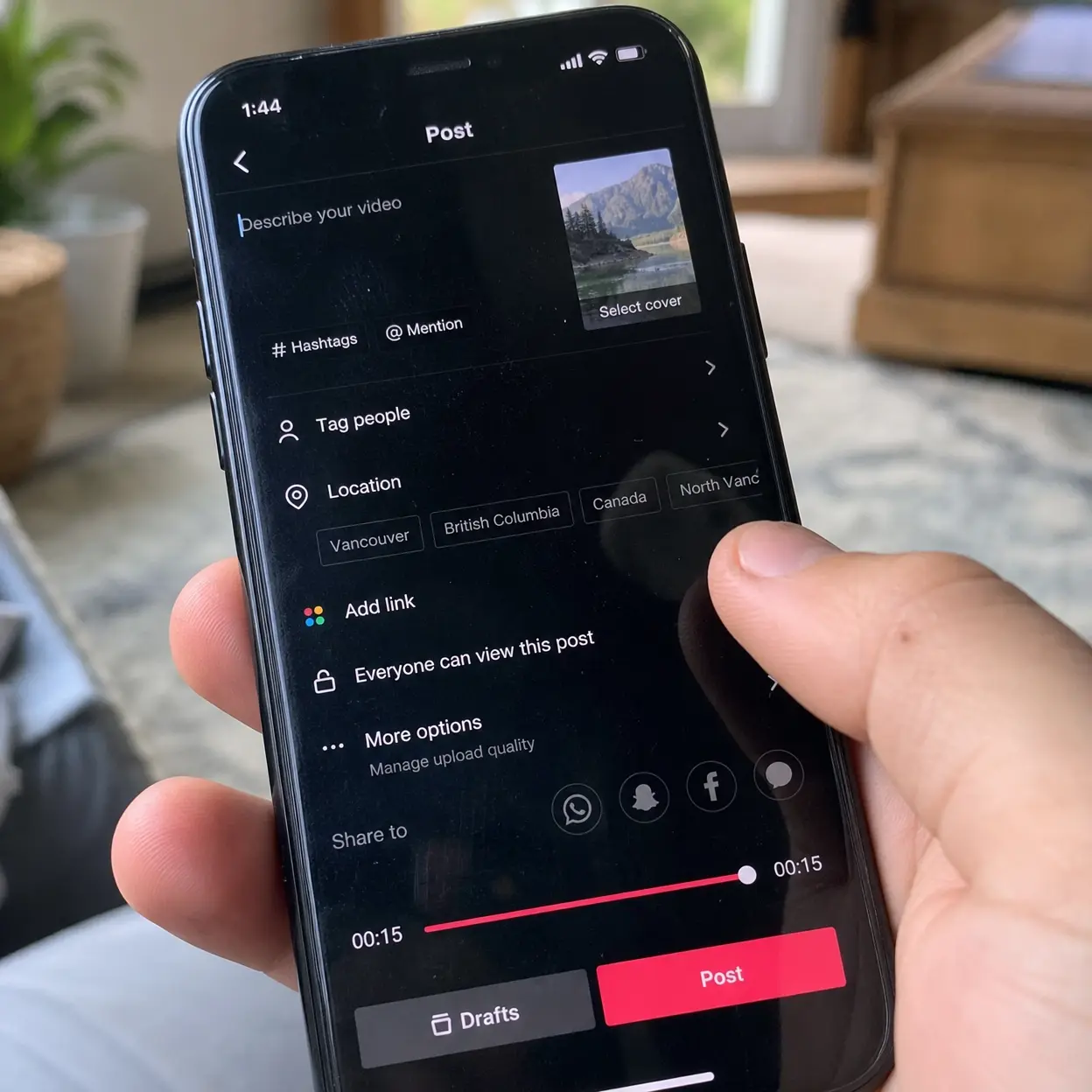
When people ask how long can a tiktok video be, how long are tiktok videos, or how long can tiktok video be, they are often asking a business question. They want to know how much time they need to explain a product without losing attention. For a generated promo, 15 to 30 seconds is still the safest starting point. That gives you enough room for a hook, proof, and clear next step without dragging the message.
| Goal | Smart length | Why it works |
|---|---|---|
| Product hook | ✓ 9-15s | Fast scroll stop |
| Demo or feature proof | ✓ 15-30s | Room for one story |
| Tutorial snippet | ✓ 30-45s | Enough steps without fatigue |
| Deep explanation | ✗ long by default | Better only with strong retention |
TikTok support separates recording limits from upload limits, so tiktok video size should always be planned with runtime and not treated as a simple width-and-height decision.
TikTok camera toolsTikTok2.2 Use runtime prompts that match the video goal
The best AI workflow is to write prompts that fit the final length. If you ask for too many actions in one short video, the generated result feels rushed. If you ask one idea to fill too much time, the clip feels repetitive. A strong tiktok video size strategy therefore includes scene count, not just export settings.
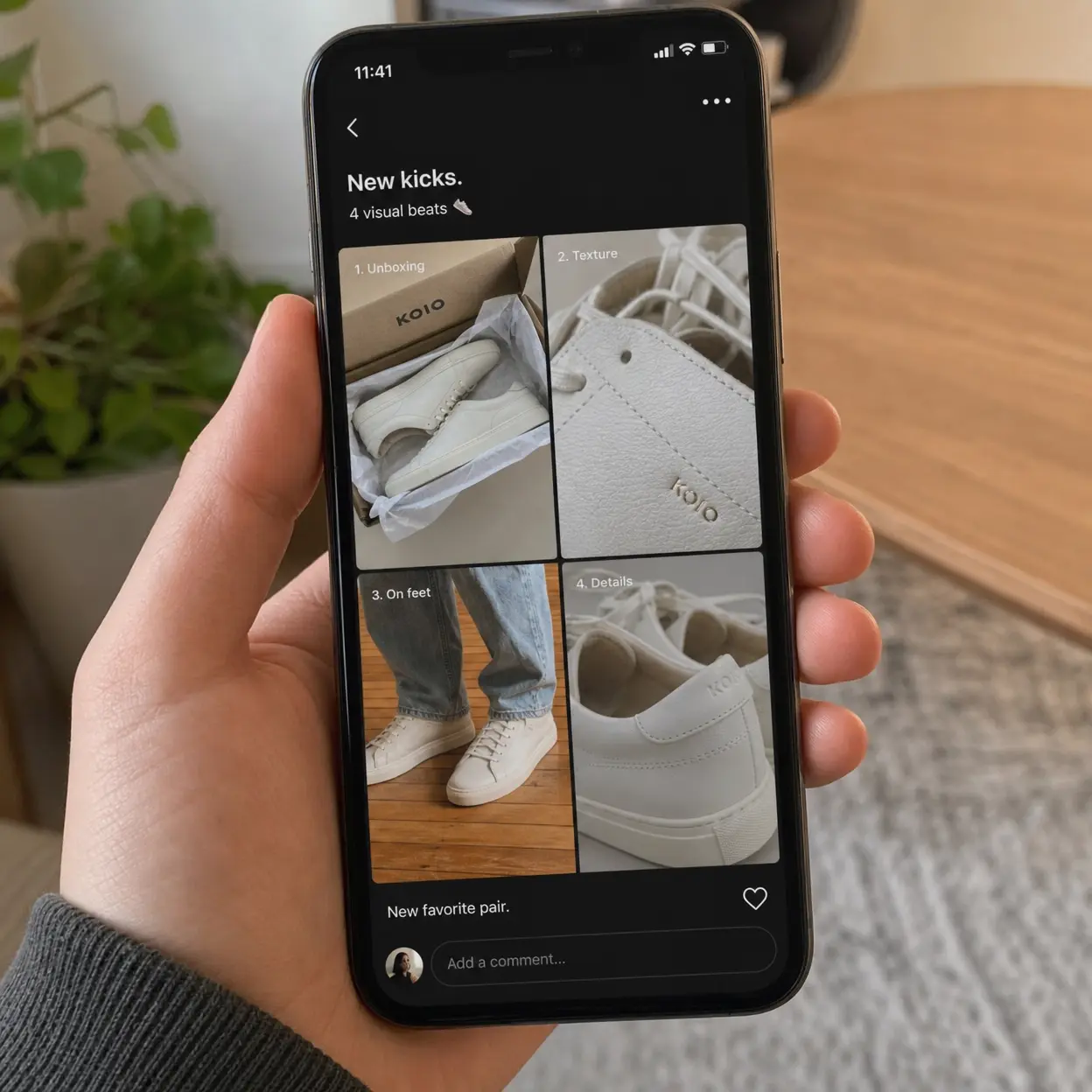
For ecommerce clips, ask for 3 to 5 visual beats. For tutorial clips, ask for 4 to 6 steps and keep each step visually different. If you are wondering how long can tiktoks be for your niche, start with what the viewer needs to understand one promise. That rule produces better flow than chasing maximum video length just because the platform allows it.
2.3 Match length to what the viewer needs to do next
Creator Frank Michael Smith shared a useful lesson when TikTok expanded longer video options. He said many of his edits naturally landed around 60 to 70 seconds, and the longer format let him keep important scenes instead of cutting them too early. That does not mean every brand should go long. It means how long can a tiktok video be is only half the question, while the other half is whether the extra seconds make the story clearer.
A useful rule is simple. If the next step is a click, shorten the story. If the next step is trust, keep the story focused and show proof early. That is why how long can a tiktok be should never be answered without also checking recommended video dimensions, upload compression settings, and the first three seconds of the hook.
3. Fix Blurry Uploads: Compression, Resolution, and Export Choices
3.1 Find the real reason the video looks bad
When creators complain about tiktok video size, they often mean one of three different problems. The video may be the wrong shape, the source may be too weak, or TikTok may be compressing an already fragile file. These issues look similar on screen, but the fix is different. That is why a clean diagnosis saves more time than random export tests.
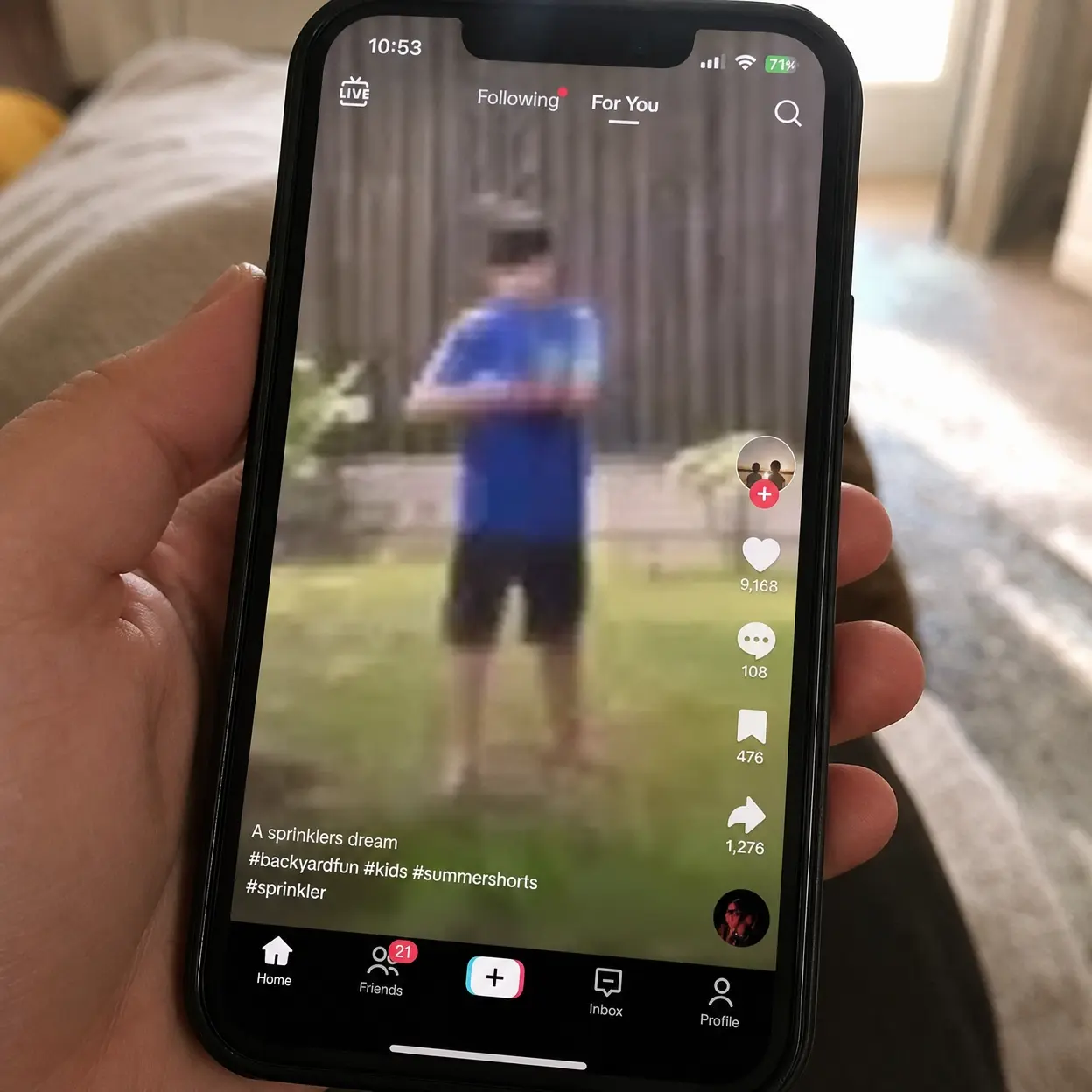
If the image looks soft before upload, the problem starts in generation or editing. If it looks sharp before upload and soft after posting, server compression is the likely cause. If text and faces look cut off, your aspect ratio vertical choice or safe framing is wrong. A strong tiktok video size workflow checks each stage in order.
This Reddit thread shows a common tiktok video size pain point: videos can look sharp before posting and noticeably softer after upload compression on the platform.
Reddit quality issuer/TikTok3.2 Use the safest export stack for TikTok
The most stable export setup is simple. Use .mp4, keep video file resolution at 1080 x 1920, prefer H.264, and avoid unnecessary re-exports. Those upload compression settings reduce the chance of avoidable damage before TikTok processes the file. They also keep the tiktok video size close to the platform's preferred full-screen behavior.
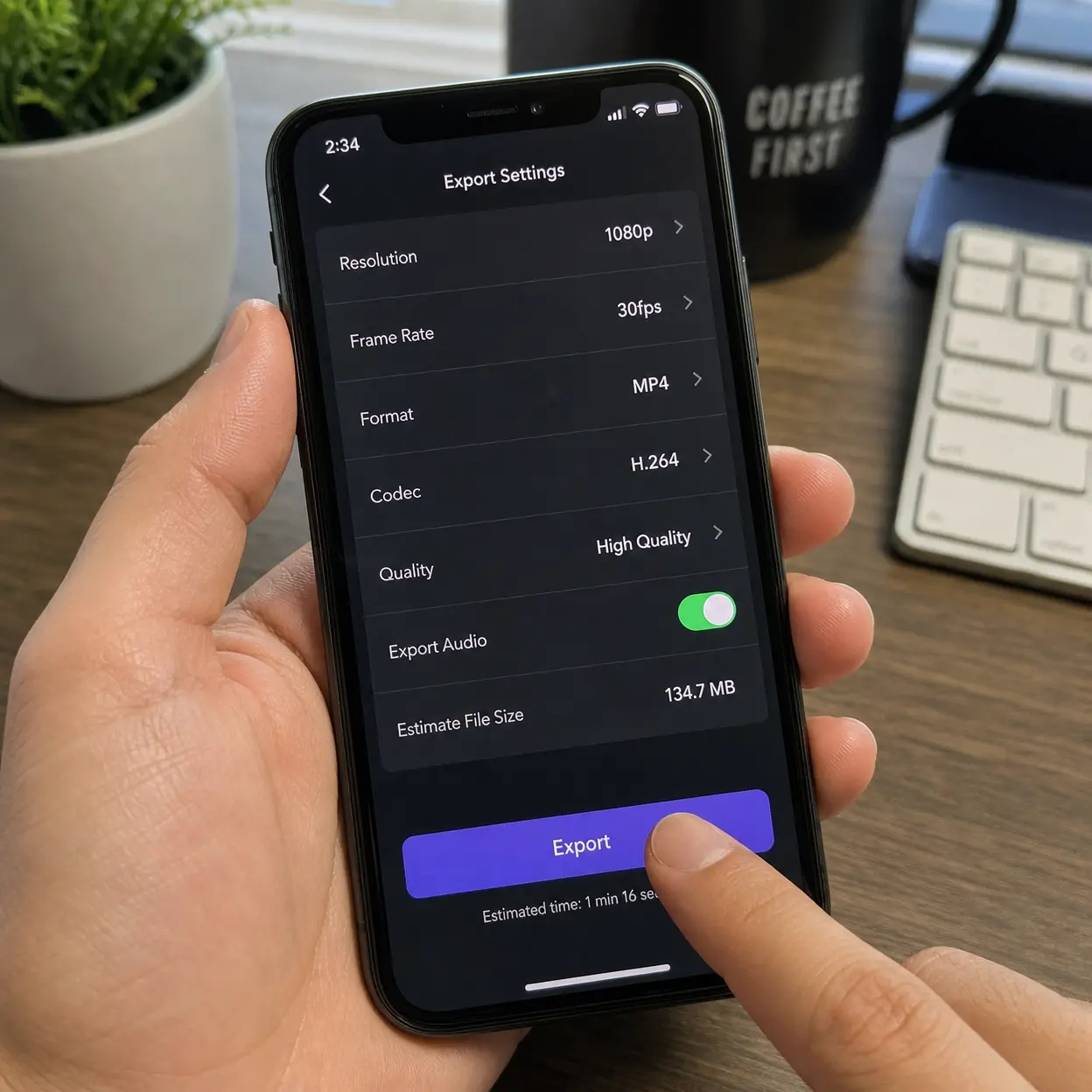
A common production mistake is sending one generated clip through too many tools just to add text, resize, and compress. Every extra pass weakens detail, especially on reflective products, skin texture, and fine motion. The final tiktok video size may look correct on paper, yet the feed result still feels soft because the signal was damaged earlier in the workflow.
| Symptom | Likely cause | Fast fix |
|---|---|---|
| Blurry after upload | ✓ weak source or extra compression | Generate larger, export once |
| Black bars | ✓ wrong aspect ratio vertical | Rebuild at 9:16 |
| Text cut off | ✓ poor safe zone placement | Move overlays upward |
| Big file, weak result | ✓ wasteful render chain | Simplify export path |
3.3 Avoid the mistakes that trigger bad compression
Do not upscale tiny footage and expect great results. Do not export a horizontal master and crop it three times. Do not stack sharpening, denoise, and compression filters without checking the result on a phone. A good tiktok video size process is less about fancy rescue tricks and more about preserving signal from the first render.
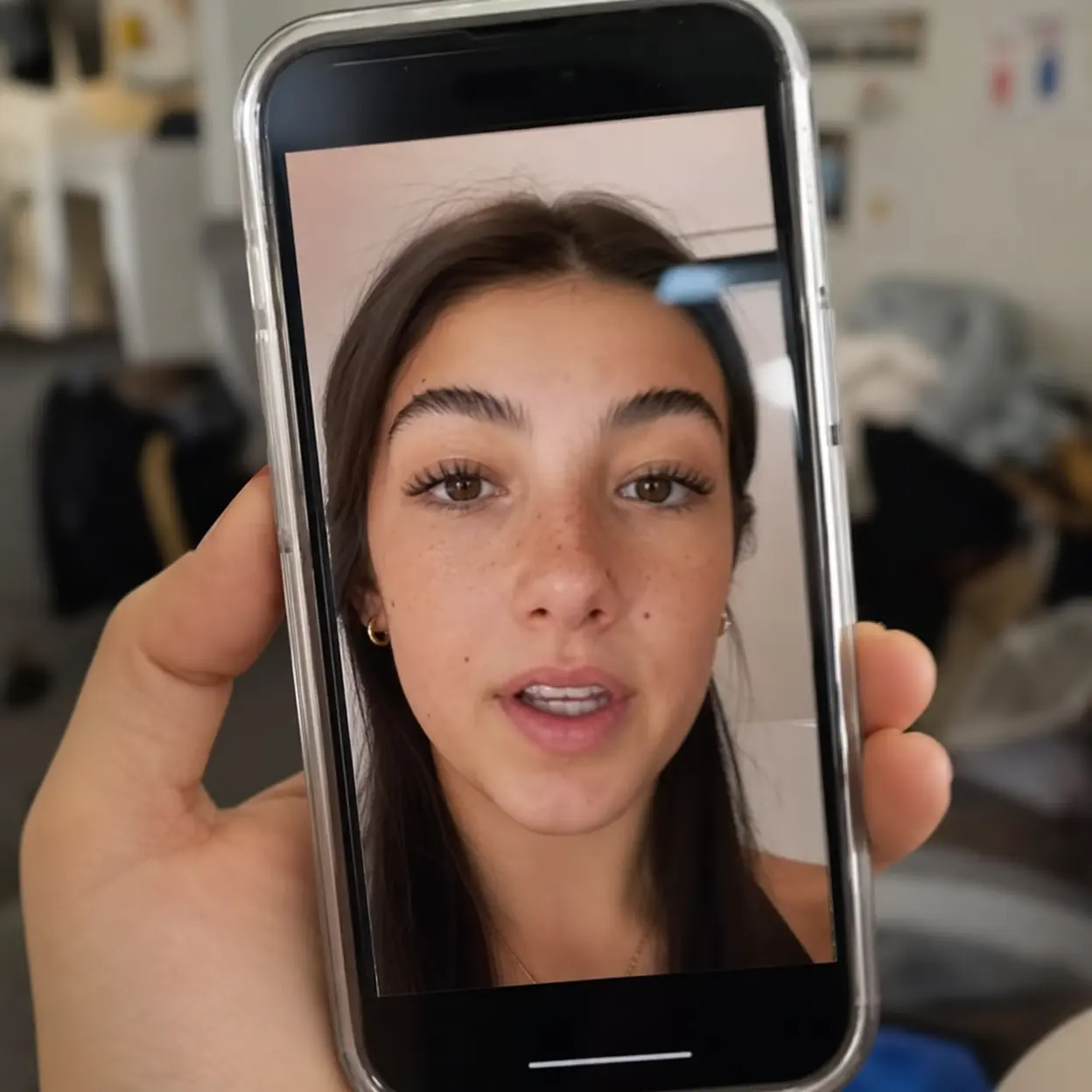
This is another reason AI video generation should begin with the destination in mind. If the tool knows the clip is for TikTok, it can frame subjects correctly, choose recommended video dimensions early, and reduce later damage from extra edits. That is more reliable than trying to repair poor tiktok video size decisions at the very end.
4. Turn Horizontal Ideas into Vertical Videos That Still Feel Native
4.1 Rebuild instead of only cropping
A lot of creators start with a landscape concept because they reuse ads, webinars, or product B-roll from other platforms. The problem is that a direct crop often removes the most persuasive part of the scene. A better tiktok video size approach is to rebuild the composition for vertical viewing. In AI video generation, that may mean changing the camera distance, moving the product higher, or breaking one wide shot into two tighter scenes.
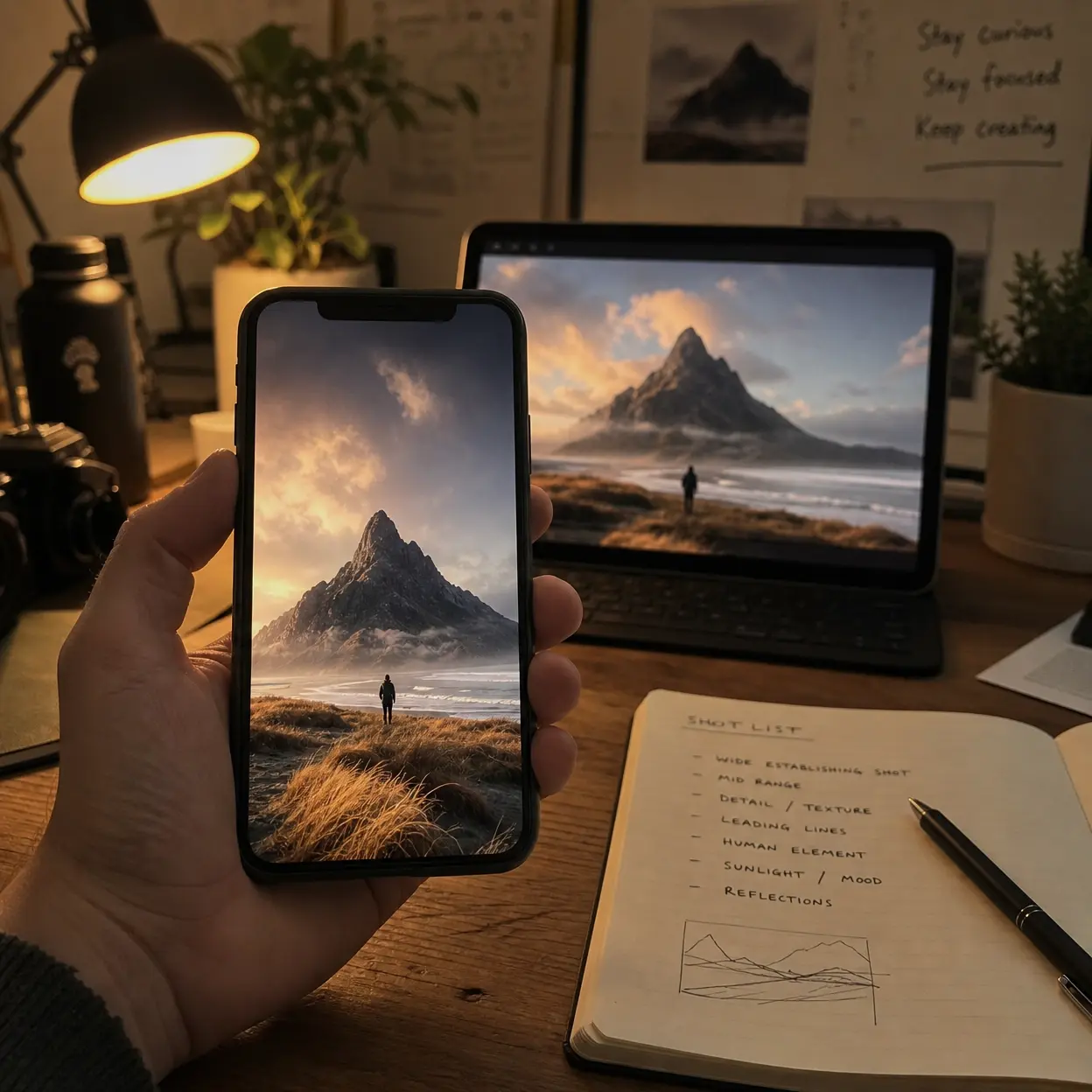
When you only crop, you usually lose hands, packaging, or facial expression. When you rebuild, you keep the message clear. TikTok even highlighted a dedicated 9:16 live production featuring Pascal Gurk and Paul Luca Fischer, which is a strong reminder that vertical output works best when planned during production. One horizontal source idea can become several vertical outputs if you plan the tiktok video size around mobile attention instead of desktop framing.
4.2 Keep the safe zone clear for text and CTA
TikTok viewers decide fast, so text placement is not a small detail. Put your benefit statement in the upper-middle part of the frame, keep price or CTA away from the lower overlay area, and leave breathing room around faces. The right aspect ratio vertical setup is only the first layer. The second layer is making sure the content survives real feed placement.
This is where many generated videos fail. The prompt asks for bold captions, but the placement ignores the interface. Then the exported tiktok video size is technically correct while the message is still half hidden. If you build templates inside your AI video generator, create one version for talking-head scripts and another for product demos so the safe zone is predictable every time.
4.3 Make cross-platform reuse smarter, not lazier
It is fine to reuse creative ideas across TikTok, Reels, and Shorts. It is not fine to assume one final file is equally strong everywhere. A smart system creates platform-specific exports from one concept. That means one hook, one story, and separate final framing for each feed.
For TikTok, keep the tiktok video size full-screen, the hook early, and the visuals a little bolder than you might on other platforms. Recommended video dimensions, upload compression settings, and runtime all work together here. If you separate concept from export, you can scale production without publishing the same weak compromise everywhere.
5. Build a TikTok-First Video Generation Workflow That Scales
5.1 Start every project with a TikTok preset
The easiest way to win with tiktok video size is to remove the decision from the final step. Open your AI video generator, choose a TikTok-first preset, and define the output as vertical before you write the prompt. That gives the model a clear frame for product movement, subject spacing, and text placement. It also keeps your team from generating beautiful footage that needs rescue work.
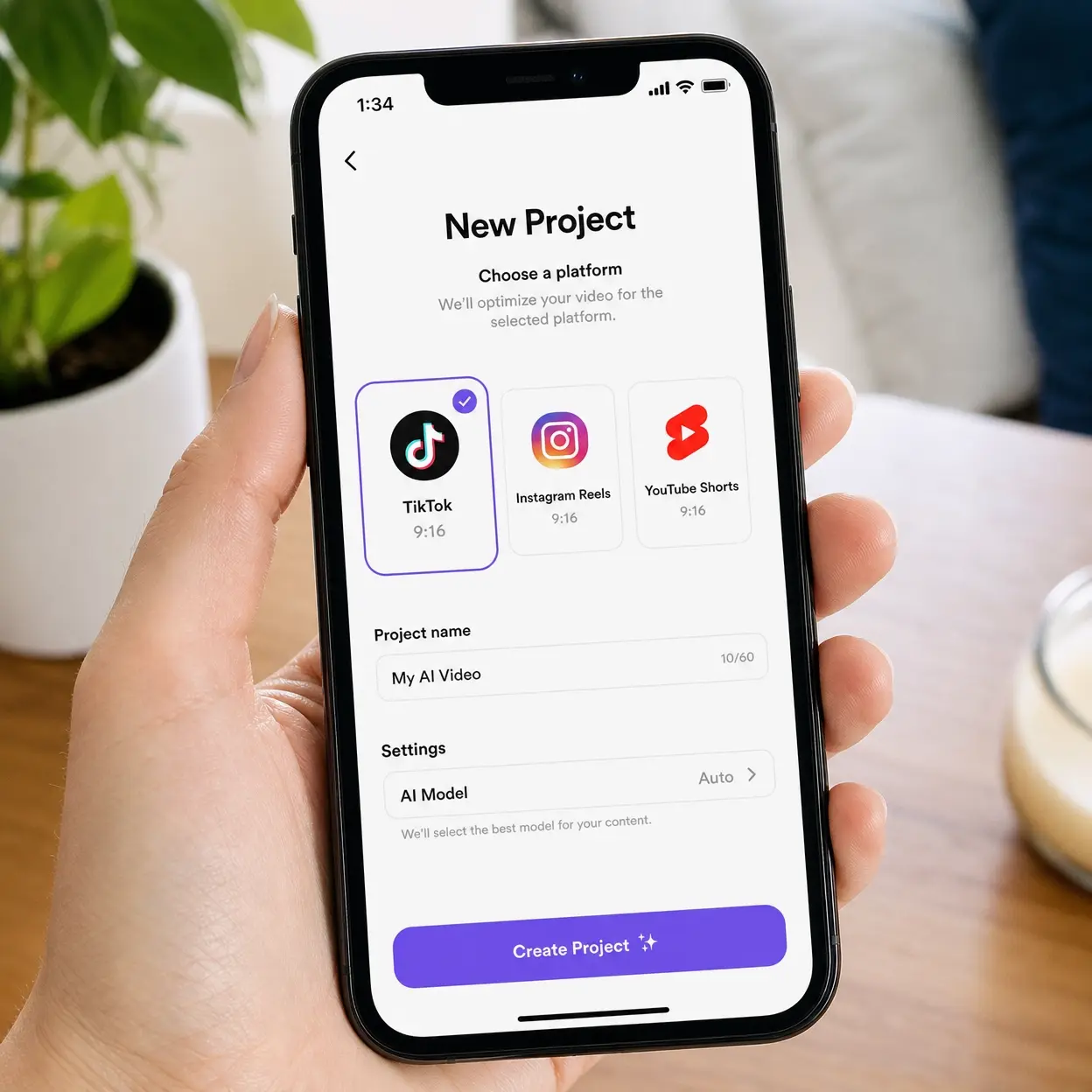
For most campaigns, use one prompt for the hook, one prompt for proof, and one prompt for the CTA shot. That structure works because TikTok rewards clarity more than complexity. A simple tiktok video size plan often beats a clever but messy idea that was never built for the feed.
5.2 Use prompts that control framing and pace
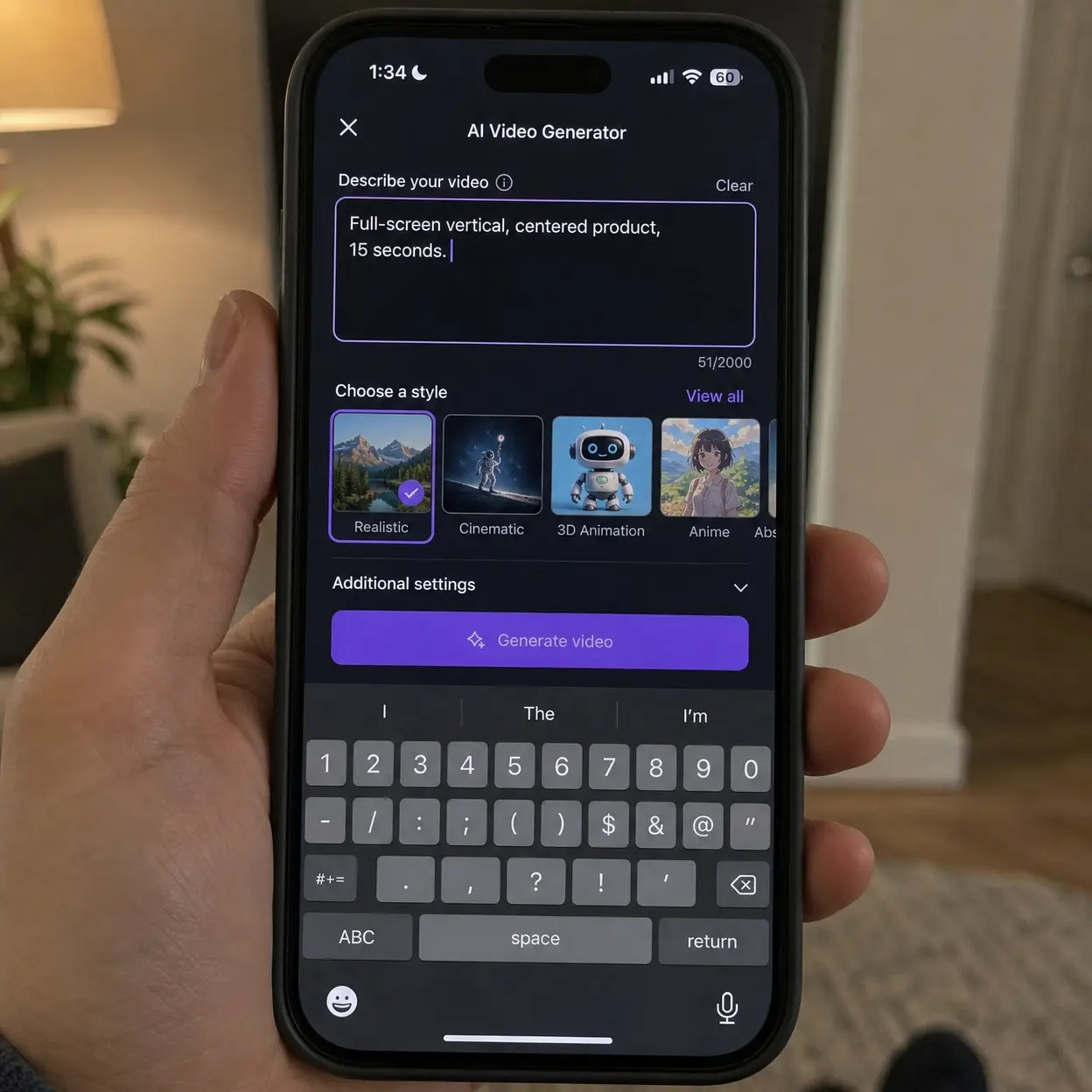
Prompt language should mention more than the scene. Ask for full-screen vertical composition, centered product framing, clean space for captions, and short visual beats. Those instructions guide the model toward recommended video dimensions in practice, even before export settings are applied.
You can also specify timing inside the prompt. Ask for a 15-second vertical product demo with three scene changes or a 25-second talking-head style explainer with on-screen text in the upper safe zone. That kind of instruction keeps tiktok video size, maximum video length, and narrative pace aligned from the start.
5.3 Build repeatable templates from real wins
The real win comes when a team stops treating each post like a fresh formatting problem. Build three templates, such as unboxing, feature proof, and before-after transformation, and keep the same tiktok video size, caption position, and scene rhythm across each one. Production becomes faster, and your AI video output looks more consistent across launches.
5.4 Final action plan
If your videos are generated for TikTok, the shortest path is also the strongest path. Pick the right tiktok video size at the start, keep the canvas vertical, control your scene count, and export once with a clean file. That approach protects quality better than trying to fix a broken asset after upload.
The practical next step is simple. build one vertical preset that keeps every TikTok upload sharp, readable, and ready to convert, then test it across three video types and keep only the versions that survive mobile viewing with no black bars, no hidden text, and no soft detail. A repeatable tiktok video size workflow is not just a spec choice. It is a production advantage.
Reference
Blog explains full-screen ratios, safe zones, and export choices that shape tiktok video size decisions for creators publishing vertical short-form content: https://mediasizes.com/tiktok-video-size/
Paper studies compressed user-generated video quality, which is directly relevant to tiktok video size decisions and post-upload softness in social feeds: https://arxiv.org/abs/2004.02943